What Does the Heliocol HC-50 Controller Actually Do for Your Solar Pool Heating System?
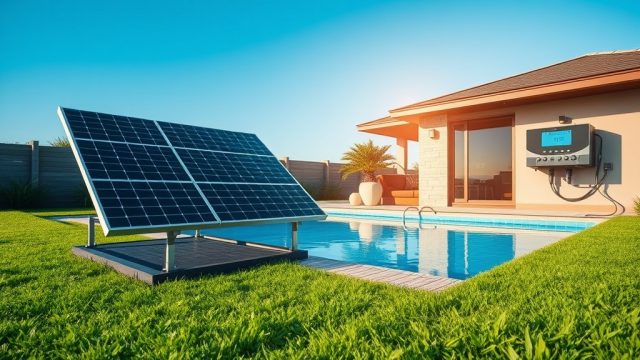
The Heliocol HC-50 controller serves as the brains of your solar pool heating setup, automating the decision to divert pool water through the roof-mounted panels when conditions are optimal. This intelligent control unit monitors temperature differentials between the pool water and solar collectors, ensuring your pump operates only when meaningful heating can occur. For any pool owner seeking to maximize energy savings and extend the swimming season, understanding the HC-50’s programming and automation features is essential to achieving consistent, efficient heating without manual intervention.
How Do You Set Up the Heliocol HC-50 Controller for First-Time Use?
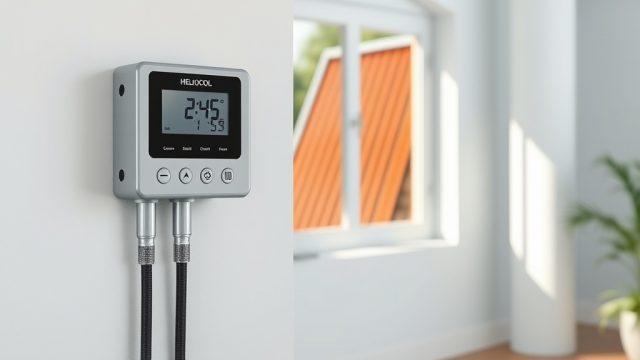
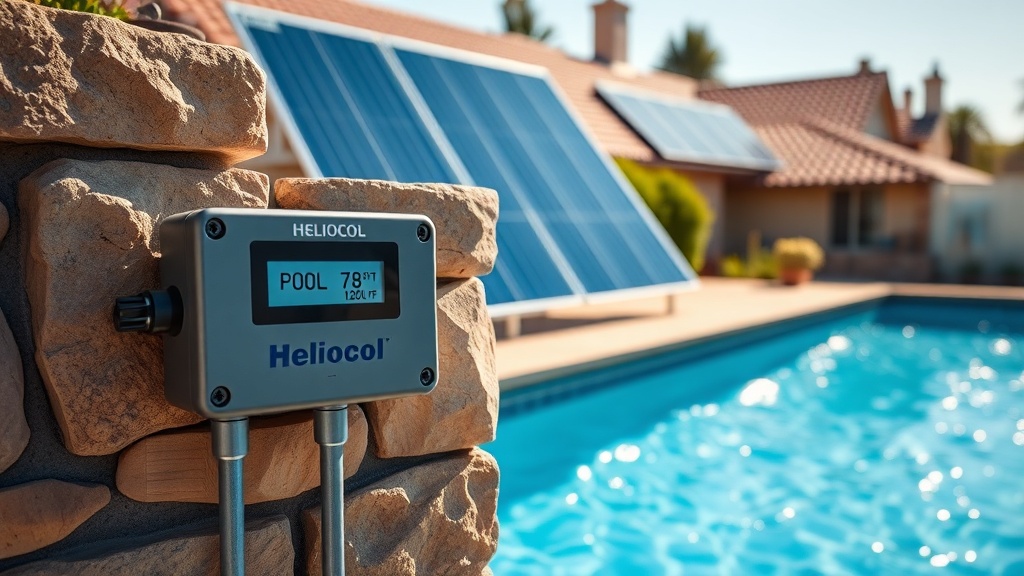
Initial setup of the Heliocol HC-50 controller requires careful attention to sensor placement and wiring connections. The controller comes with two thermistor sensors: one for the solar collector outlet temperature and one for the pool water temperature. Both sensors must be securely mounted—the collector sensor attaches to a panel return pipe using the provided thermal paste and zip ties, while the pool sensor sits in the skimmer or a dedicated well. Once sensors are connected to the controller board’s designated terminals, you will power up the unit and observe the LCD display showing both temperatures. For most residential systems, the default settings work well, but you should verify that your pump relay is wired correctly to the controller’s pump output terminals, rated for up to 1 HP (0.75 kW) at 240 V.
Before programming, ensure your solar panels are properly primed and that the system has no air locks. Refer to our Heliocol HC-50 Minimum Flow Rate and Pump Sizing Guide to confirm your pump delivers adequate flow for the controller to operate correctly.
What Temperature Settings Should You Program for Maximum Efficiency?
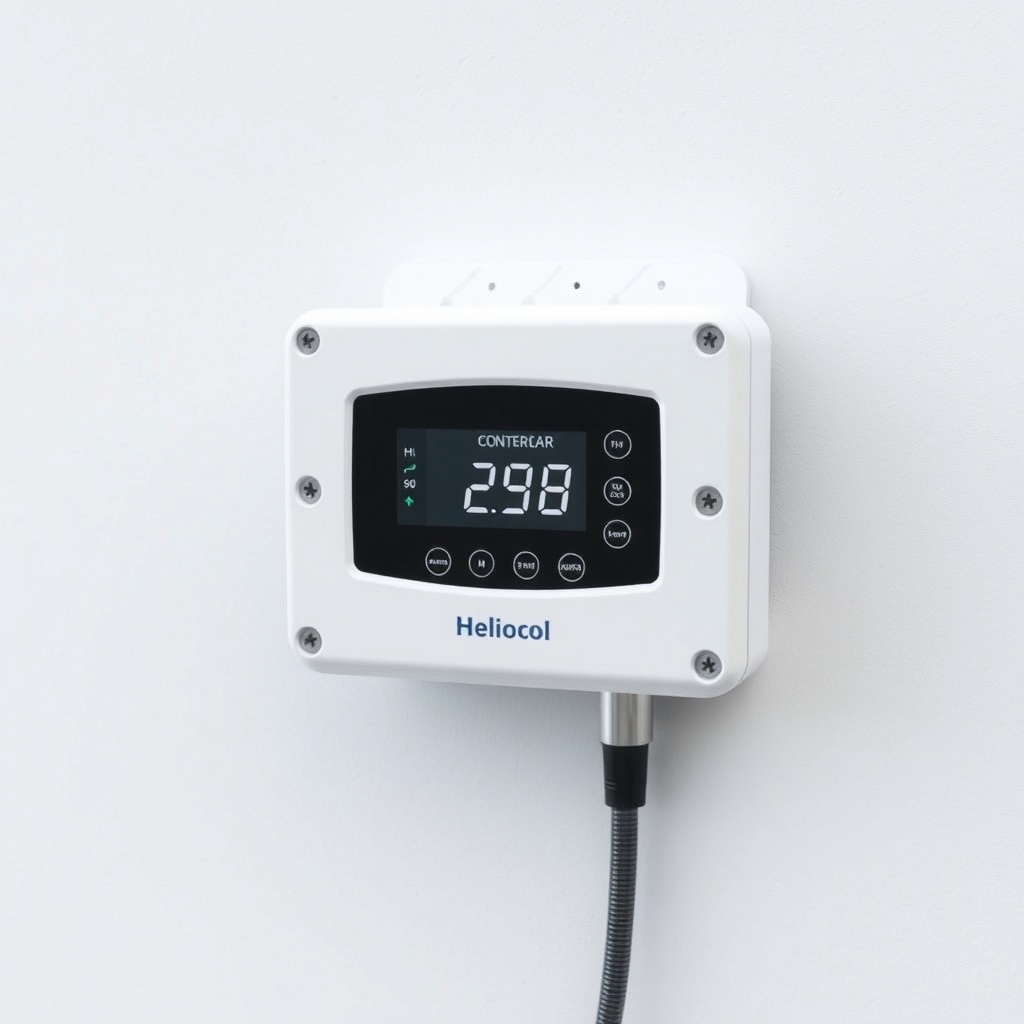
The HC-50 controller features an adjustable temperature differential (ΔT) setting, which is the heart of its automation. The factory default ΔT is 5°F (3°C), meaning the controller activates the pump when the collector temperature exceeds the pool temperature by this amount. To optimize efficiency, consider raising the ΔT to 8°F (4.5°C) in cooler climates or during spring/fall seasons when solar gain is less predictable. Conversely, a lower ΔT of 3°F (1.5°C) can be used in peak summer months when rapid temperature fluctuations occur, but this may increase pump cycling and reduce overall efficiency. The controller also includes a high-limit shutoff (typically 120°F / 49°C) to prevent overheating, and a freeze-protection setting that activates the pump when collector temperature approaches 34°F (1°C). We recommend programming these values as follows:
| Setting Parameter | Factory Default | Recommended Value (Climate) | Notes |
|---|---|---|---|
| Temperature Differential (ΔT) | 5°F / 3°C | 5–8°F (3–4.5°C) | Increase in cooler climates |
| High Limit Shutoff | 120°F / 49°C | 120–130°F (49–54°C) | Reduces risk of panel damage |
| Freeze Protection On | 34°F / 1°C | 34°F (1°C) | Pump circulates to prevent ice damage |
| Pump Delay (Cool Down) | 5 minutes | 5–10 minutes | Prevents rapid cycling |
For properties with complex roof angles, consult the Heliocol HC-50 Flat Roof Mounting Guide: Ballast vs Through-Bolt to ensure sensor placement aligns with collector orientation for accurate temperature readings.
What Are the Key Automation Features of the Heliocol HC-50 Controller?
The HC-50 controller incorporates several advanced automation features that set it apart from basic sun-sensing units. First, its adaptive logic algorithm learns your pool’s heating patterns over three to five days, adjusting activation thresholds to reduce unnecessary pump cycles. Second, the controller offers a manual override mode for bypassing automation during maintenance or when pool owners want to run the system continuously—useful after chemical treatments. Third, a built-in timer function allows you to set specific operating windows (e.g., 10:00 AM to 4:00 PM) even when solar conditions are marginal, ensuring the system doesn’t run during off-peak hours. Fourth, the controller includes a diagnostic self-test mode that checks sensor continuity, pump relay operation, and firmware status, displaying error codes like “E1” (sensor fault) or “E3” (pump relay short) on the LCD for quick troubleshooting. Finally, the HC-50 supports integration with external pool automation systems via a dry-contact interface, enabling control from a central panel or smart home hub.
How Do You Program the Heliocol HC-50 for Seasonal Adjustments?
Programming the HC-50 for seasonal changes involves navigating its menu using the three-button interface: SET, UP, and DOWN. To adjust for autumn conditions, lower the ΔT to 4°F (2.2°C) to capture minimal solar gain during shorter days, and reduce the high limit to 110°F (43°C) to avoid overheating when panels are partly shaded. For spring, increase the ΔT back to 6°F (3.3°C) and set the operating timer to 9:00 AM–5:00 PM to match increasing sun hours. The controller stores up to four seasonal presets in its non-volatile memory, so after programming once, you can recall them by pressing and holding the SET button for eight seconds until the “PRESET” indicator flashes. Each preset remembers ΔT, high limit, freeze activation point, and timer start/stop. For homeowners in snow-prone regions, follow the Heliocol HC-50 Snow Load Considerations for Pitched Roof Mounting to ensure your controller settings account for potential panel snow coverage, which can falsely elevate collector sensor readings.
What Owners Say About the Heliocol HC-50 Controller Automation
Pool owners across the United States and Australia frequently praise the HC-50 for its reliability and intuitive programming. Mark from Florida reports, “After two years, the controller still holds its settings through power outages—the non-volatile memory is a lifesaver. I programmed it once for summer and winter, and it just works.” A reviewer from California noted, “The diagnostic self-test mode helped me identify a faulty sensor quickly; I replaced it myself in ten minutes. The LCD is easy to read even in direct sun.” However, some users mention a learning curve with the three-button interface: “The menu navigation takes patience the first time. I had to watch a few videos to understand setting timers, but once done, I never touched it again.” Overwhelmingly, owners highlight the energy savings—average reductions of 40% in pump runtime compared to manual operation—and the peace of mind from freeze protection during unexpected cold snaps. A commercial pool manager in Texas shared, “We run six HC-50s across three facilities. The dry-contact integration with our building system made centralized control easy, and we’ve had zero failures in four years.”
Frequently Asked Questions
How do I reset the Heliocol HC-50 controller to factory defaults?
To reset, press and hold the SET and DOWN buttons simultaneously for five seconds until the screen displays “rES”. Release the buttons, and the controller reboots with factory settings (ΔT 5°F, high limit 120°F, freeze protection 34°F).
What does error code E2 mean on the HC-50 display?
Error E2 indicates an open circuit in the pool sensor wiring. Check the sensor connection at the controller board and the sensor tip in the skimmer. Replace the sensor if resistance values exceed 100 kΩ at 77°F (25°C).
Can I use the Heliocol HC-50 controller with a variable-speed pump?
Yes, but you must connect the controller to a relay that switches the pump’s control circuit, not the pump motor directly. For low-flow scenarios, adjust the controller’s minimum runtime setting to at least 10 minutes to avoid frequent cycling. Refer to our pump guide for flow compatibility details.
Why does my HC-50 controller turn on the pump at night?
This typically occurs if the freeze protection setting is triggered by a sensor reading below 34°F (1°C). Ensure the collector sensor is shielded from cold wind or debris, which can cause false low readings. You can also test by temporarily raising the freeze protection threshold to 32°F (0°C) during mild evenings.
How do I update the firmware on the Heliocol HC-50?
The HC-50 does not support user firmware updates; it uses a fixed microcontroller. For compatibility with newer panels or automation systems, consider upgrading to the HC-100 model, which offers wireless connectivity and over-the-air updates.
What is the warranty period for the Heliocol HC-50 controller?
The controller comes with a two-year limited warranty covering manufacturing defects and electronic component failures. The warranty excludes damage from lightning, incorrect wiring, or physical abuse. Always register your product online within 30 days of purchase to validate coverage.