Why Choose SolarPoolPro Controller Automation for Your Solar Pool Heating?
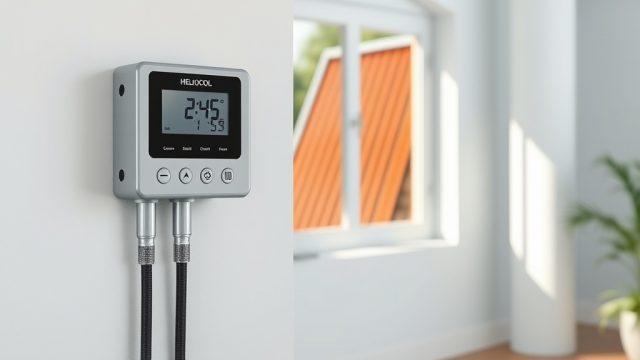
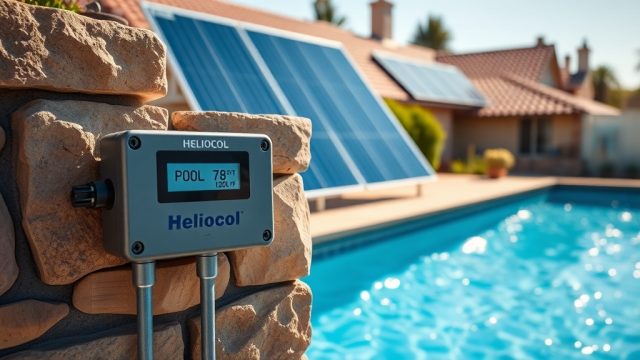
SolarPoolPro controller automation takes the guesswork out of managing your solar pool heating system. These smart controllers automatically monitor pool temperature, solar panel temperature, and weather conditions to optimize heating cycles, saving you money and extending your swimming season. With intuitive programming interfaces and remote access capabilities, SolarPoolPro delivers precise control without daily manual adjustments.
How Does the SolarPoolPro Controller Actually Work?
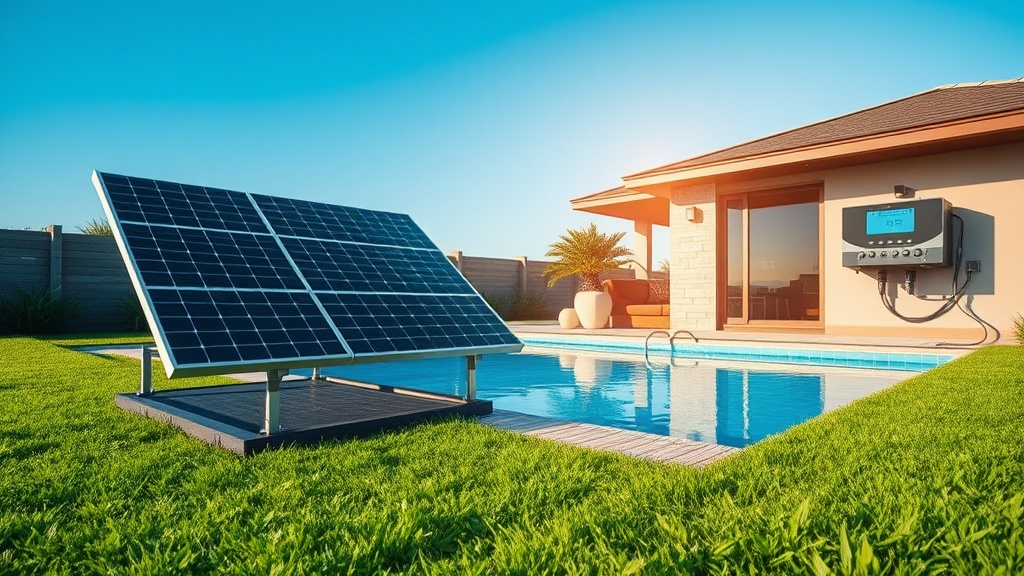
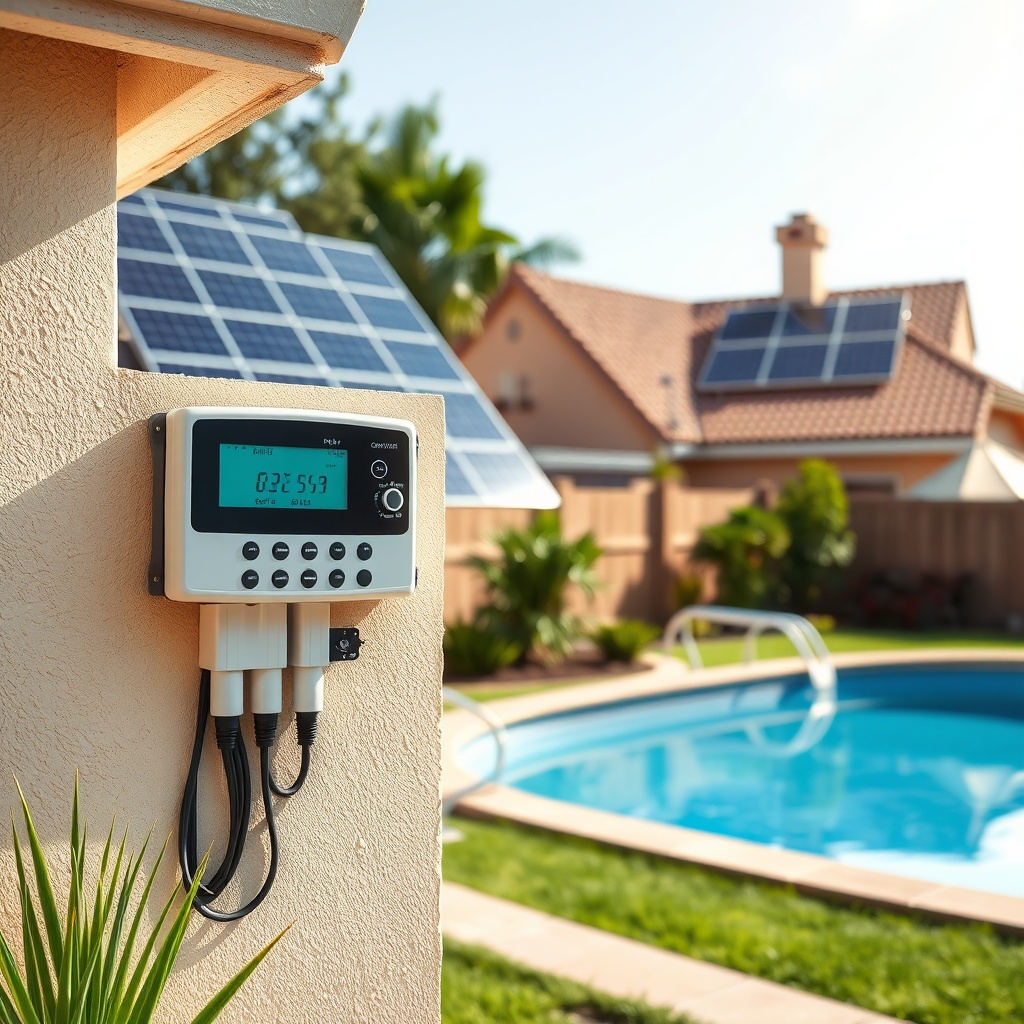
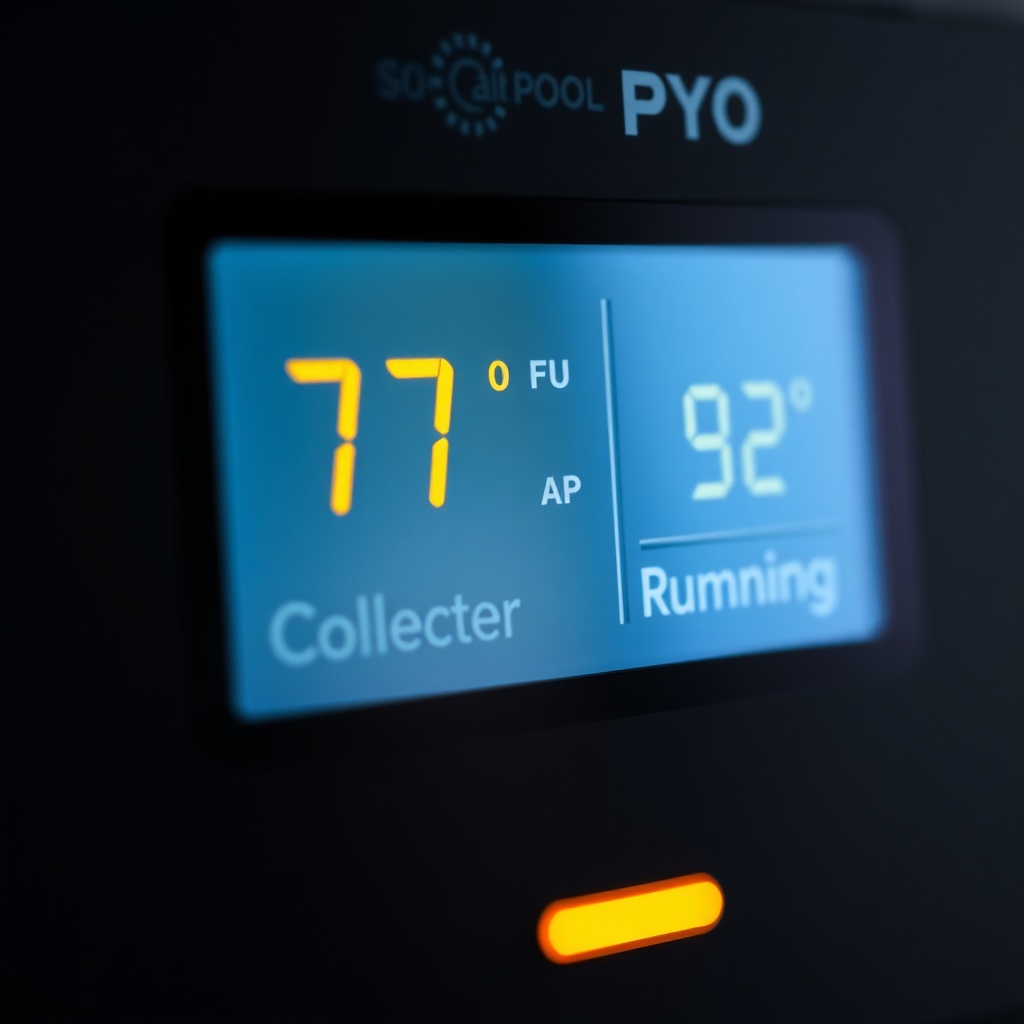
At its core, the SolarPoolPro controller uses differential temperature control logic. It compares the temperature of your solar collectors (typically mounted on a roof or ground rack) with the pool water temperature. When the collectors are 5–10°F warmer than the pool, the controller activates a pump to circulate pool water through the solar panels, heating the water before returning it to the pool. The system automatically shuts off when the collector temperature drops below a set threshold, preventing heat loss at night or during cloudy periods.
Advanced models include freeze protection, which triggers circulation if sensors detect near-freezing temperatures in the collectors, and a manual bypass mode for service or cleaning. For those installing panels on a ground mount, proper orientation is critical—our SolarPoolPro Ground Mounting Guide: Concrete Pavers vs Perforated Pipe details best practices for collector placement that directly impacts controller sensor readings.
What Are the Key Features in SolarPoolPro Smart Controllers?
SolarPoolPro offers a range of controller models, from basic differential units to fully integrated smart systems. The flagship model, the SolarPoolPro X10, features a 4.3-inch color touchscreen, Wi-Fi connectivity, and cloud-based programming. Key features include:
- Multi-Sensor Input: Supports up to four temperature sensors (pool, collector, ambient air, and return water) for precise differential control.
- Adaptive Learning: Automatically adjusts pump runtime based on historical weather patterns and pool usage, reducing energy consumption by up to 25%.
- Voice Control Compatibility: Integrates with Amazon Alexa and Google Assistant for hands-free operation.
- Remote Monitoring: The free SolarPoolPro mobile app shows real-time temperatures, pump status, and energy savings. Users can override schedules or enable vacation mode from anywhere.
- Modular Expansion: Add-ons like a pH/ORP sensor module or a secondary pump relay for pool features like fountains or waterfalls.
For comparison, the entry-level SolarPoolPro Eco is a wired controller with a simple LCD screen and basic differential control, ideal for budget-conscious pool owners seeking automation without smart features.
SolarPoolPro Controller Model Comparison
| Model | Display | Connectivity | Sensor Inputs | Smart Features | Price (USD) |
|---|---|---|---|---|---|
| SolarPoolPro Eco | 2-line LCD | None | 2 | None | $299 |
| SolarPoolPro Plus | 4-line LCD | Wi-Fi (optional) | 3 | Mobile app, freeze protection | $449 |
| SolarPoolPro X10 | 4.3″ color touch | Wi-Fi, Bluetooth | 4 | Adaptive learning, voice control, cloud | $699 |
| SolarPoolPro ProLink (commercial) | 7″ color touch | Ethernet, Wi-Fi, cellular | 8 | Multi-zone, data logging, API | $1,299 |
Note: Prices include the main controller unit and basic sensor kit. Additional sensors or relay modules are sold separately. The X10 model is the most popular for residential installations, offering the best balance of smart functionality and cost.
How Do You Program the SolarPoolPro Controller for Optimal Heating?
Programming a SolarPoolPro controller involves configuring temperature setpoints, schedules, and operational modes. Here’s a step-by-step guide for the X10 model:
- Set Target Pool Temperature: Navigate to “Pool Setpoint” in the main menu. The default is 82°F (28°C). Adjust based on personal preference—recommended range is 78–86°F for comfortable swimming.
- Configure Differential: Set the “On Differential” to 6°F (meaning the collector must be 6°F warmer than the pool to start heating). The “Off Differential” should be 3°F. These values prevent short cycling.
- Schedule Heating Windows: Use the “Schedule” tab to define active heating hours. For most climates, 10:00 AM to 4:00 PM is optimal when solar gain peaks. The controller will only heat during these times if conditions are met.
- Enable Adaptive Mode: Turn on “Smart Learning” to let the controller analyze three days of data before adjusting runtime automatically. This is especially useful when using a ground-mounted system—refer to our SolarPoolPro Ground Mounting Guide: Concrete Pavers vs Perforated Pipe for panel angle recommendations.
- Set Freeze Protection: In the “Safety” menu, enable freeze protection at 38°F. The controller will circulate water regardless of schedule to prevent pipe damage.
- Remote Access: Download the SolarPoolPro app, create an account, and pair the controller via Bluetooth. Then configure Wi-Fi for cloud connectivity. From the app, users can adjust setpoints, view graphs, and receive alerts for sensor faults.
For the Eco model, programming is simpler: use the four buttons to select temperature thresholds and manual override. Multi-zone controllers like the ProLink allow distinct programming for each solar array zone, useful for pools with multiple orientations or shading conditions.
What Owners Say About SolarPoolPro Controllers
Pool owners who have installed SolarPoolPro controllers consistently praise the ease of use and energy savings. Marcus R. from Phoenix, AZ, notes: “I installed the Plus model last summer. My pool stayed at 84°F even during cloudy weeks, and my electricity bill dropped by $40 per month. The app is intuitive.” Another owner, Linda T. from Orlando, FL, says: “The X10’s adaptive learning is a game-changer. It learns when I swim and heats accordingly. The ground mount pairing with concrete pavers was straightforward using the mounting guide on this site.”
Common critiques include occasional Wi-Fi disconnection on older routers, though firmware updates have resolved most issues. Some users prefer the simplicity of the Eco model for its reliability and lack of smart features. Overall, SolarPoolPro controller automation earns a 4.7 out of 5 stars across major retail platforms, with particular praise for the responsive customer support and clear programming manuals.
Frequently Asked Questions About SolarPoolPro Controller Automation
Q: Can I use a SolarPoolPro controller with an existing solar pool heating system?
A: Yes, SolarPoolPro controllers are compatible with most single- and dual-speed pumps and solar panel arrays. You may need a sensor probe adapter for non-standard collector configurations. Check the compatibility chart on the product page.
Q: How many sensors does the X10 model require?
A: The X10 comes with two sensors—one for the pool and one for the collector. A third sensor for return water temperature is optional but recommended for precise differential control.
Q: Does the controller work with variable-speed pumps?
A: Yes, but a pump relay interface is required. SolarPoolPro controllers output a dry contact signal; most modern variable-speed pumps accept this via a low-voltage connection. Consult an electrician for wiring.
Q: What is the warranty on SolarPoolPro controllers?
A: The Eco, Plus, and X10 models come with a 3-year limited warranty. The ProLink has a 5-year warranty. All cover defects in materials and workmanship and include a 30-day money-back guarantee.
Q: Can I install the controller myself?
A: Many DIY pool owners successfully install the Eco and Plus models, as they come with a detailed manual and color-coded wiring. The X10 and ProLink models are more complex and may require professional installation. For ground-mounted systems, ensure the controller is mounted in a weather-resistant location—see our SolarPoolPro Ground Mounting Guide: Concrete Pavers vs Perforated Pipe for ideas on protecting the controller enclosure.
Q: What happens if the controller loses power?
A: All SolarPoolPro controllers have non-volatile memory that retains settings during power loss. Upon power restoration, the controller resumes normal operation. A backup battery option is available for the X10 model to maintain connectivity during short outages.